> ## Documentation Index
> Fetch the complete documentation index at: https://moengage-doc-2298-s2s-type-case-sensitive.mintlify.site/llms.txt
> Use this file to discover all available pages before exploring further.
# Why Do Push Notification Tests Often Fail for Mobile Numbers?
> Resolve push notification test failures when using mobile numbers by switching to the unique user ID field to identify reachable users instead.
## Problem
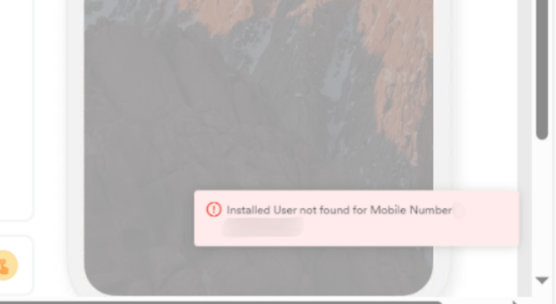
When attempting to send a test push notification campaign, the notification fails, and the following message is displayed:
Installed User not found for Mobile Number = 0000000000
 ## Solution
* Use the unique ID field of reachable user instead of the Mobile Number attribute to ensure push notifications are sent.
* The unique ID field can be found in the user profile with the name **ID**.
## Solution
* Use the unique ID field of reachable user instead of the Mobile Number attribute to ensure push notifications are sent.
* The unique ID field can be found in the user profile with the name **ID**.
 * The unique ID is unique to each user and is used to determine whether the user can receive push notifications.